
Loading Maker
Create and customize loading animations.
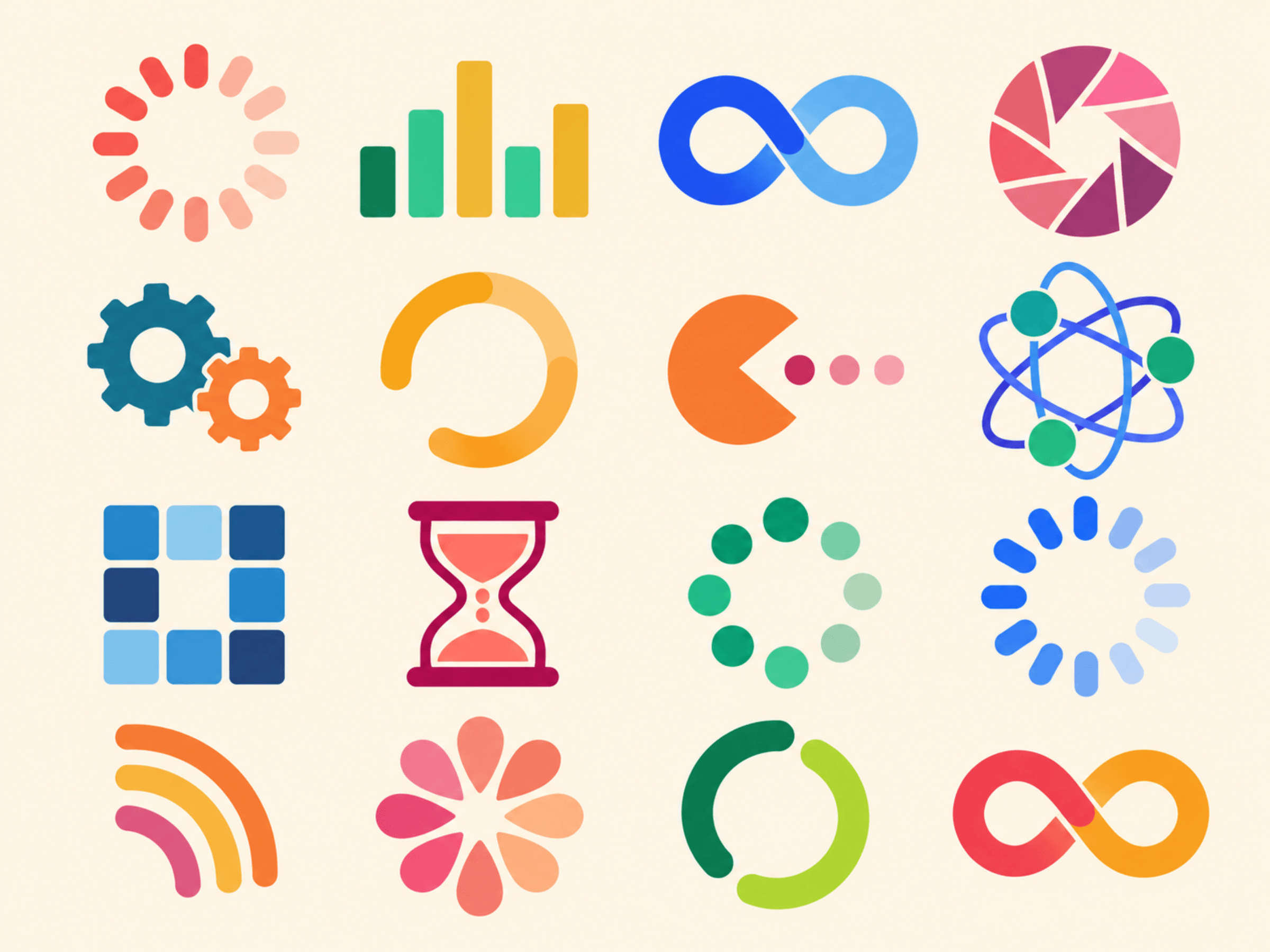
Choose a loading template and customize its colors, size, speed, and loops. Preview your animation, then add it to your design as a GIF or video.
What you can do
- Choose from over 120 loading templates, including spinners, rings, bars, dots, geometric shapes, and animated animal characters.
- Change individual colors and the background to match your design.
- Adjust size, animation speed, and the number of loops, plus shape settings available for each template.
- Preview your animation with playback controls before adding it to your design.
- Choose GIF or MP4 video, with adjustable quality and frame rate. GIF also supports a transparent background.
How it works
- Open Loading Maker in Canva and choose a template.
- Customize its colors, shape, and animation settings, then preview the result.
- Choose your export settings and select Add to design to place the animation in your Canva design.
Who it’s for
Designers, marketers, and content creators who want to add loading animations to presentations, social posts, videos, or interface mockups. Use a spinner to illustrate a waiting state, add animated accents to a layout, or recolor a template to fit your brand.
Support
Questions or feedback? Contact us.